
Before the Lights Flicker: A North Shore Survival Guide for Your Digital Life
Hurricane prep for your digital life on Kauaʻi. A step-by-step guide to backing up your photos, protecting your devices, and staying calm when the power goes out.
There’s a sound the island makes right before the storm hits.
You know it — the wind slows, the sky bruises over, and even the roosters fall quiet like they’re holding their breath. Then comes the flicker. The lights dim for half a second — a soft warning — and you think, nah, it’ll hold.
But deep down, you know it won’t.
And somewhere between Hanalei and Kīlauea, someone’s laptop hums a nervous little tune, trying to sync one last batch of photos before the router gasps its last.
Because the only thing worse than a storm is losing your memories.
Step 1: Make a Quick Inventory
The truth is, your life’s scattered across more devices than you remember. There’s your phone — stuffed with surf clips, screenshots, and photos of the dog. Your laptop, sitting like an old friend who hasn’t been backed up since the pandemic. And that dusty external drive you swore you’d plug in next weekend.
Grab a notepad, or better yet, a dry erase board. Write down what you’ve got — and where.
Phone. Laptop. Tablet. External drive.
Go through them like you’re sorting tackle before dawn. Every old folder, every memory card. If it has something you’d cry to lose — it’s worth saving.
Pro tip: Name your folders like stories, not timestamps. 2023-Hanalei-Rainstorm tells you a lot more than IMG_3829.JPG.
Step 2: Choose Two Kinds of Backups
Never surf alone. Never back up once.
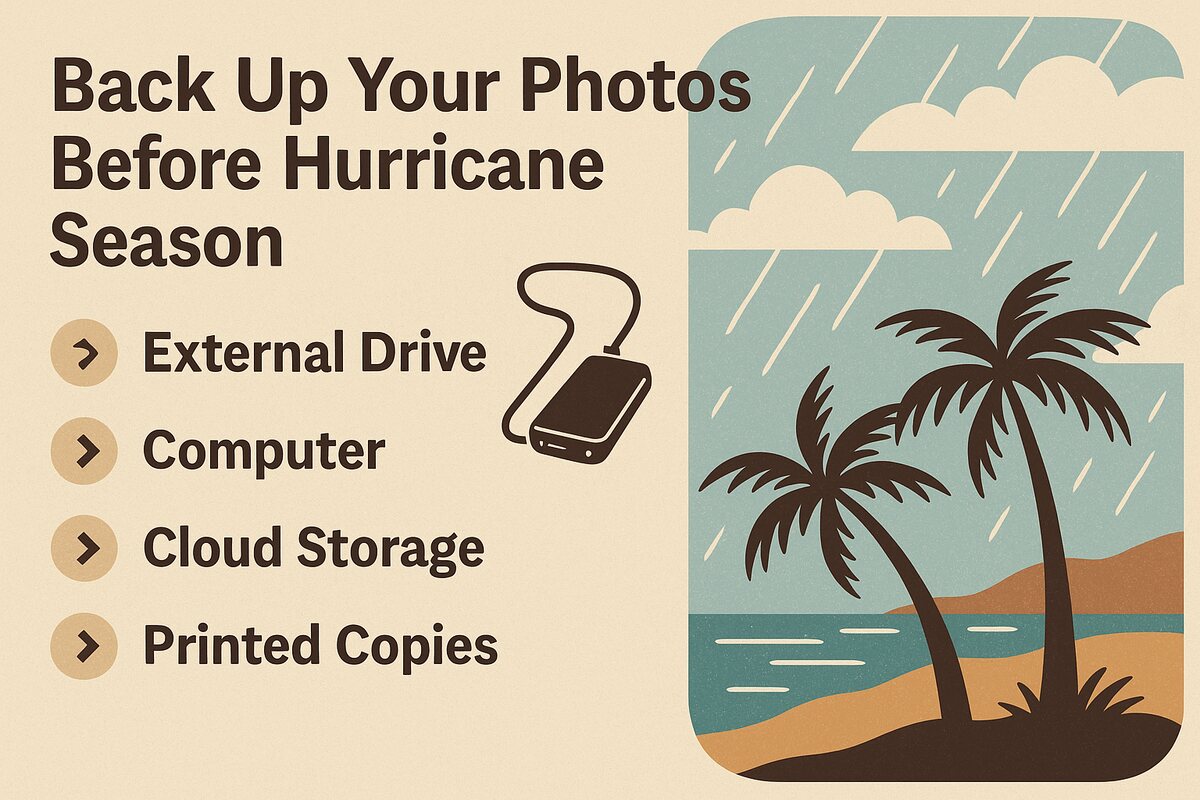
You need two copies of everything you care about — one that stays close, and one that lives in the cloud.
Local Backup (Offline) — A simple, rugged external drive. Waterproof if you can. Keep it sealed in a dry box or Tupperware, tucked away from the salt air. No Wi-Fi, no subscription, no password resets — just you and your files.
Cloud Backup (Online) — If you’ve got Starlink or decent internet, use it. Google Drive, iCloud, or better yet, your own Nextcloud running off a Raspberry Pi in the corner. Sync once, verify, and forget about it until you need it.
The golden rule: One local. One online. One less thing to worry about when the trades turn angry.
Step 3: Power Smart, Not Hard
When the grid drops, your mission isn’t to edit — it’s to preserve.
- Label your chargers.
- Charge your power banks.
- And if you’ve got a solar panel, run a test before the weather turns.
I keep an EcoFlow battery by the door — not because it’s fancy, but because it’s quiet. During a storm, silence is everything.
Unplug what you can. Lightning doesn’t care how new your MacBook is.
Step 4: Test Your Restore
Every backup’s a promise — but promises only count if they’re kept.
So test it. Grab one folder, copy it to another device, and open it up. If your photos still glow like you remember them — you did it right.
If not, give me a call. I’ve seen more dead drives and corrupt SD cards than I care to count. We’ll fix it together before the storm has its say.
Step 5: Peace of Mind in the Storm
When the first drops hit the tin roof and the wind starts to sing through the ironwoods, you’ll feel that old familiar tension. But this time, it’ll be quieter.
Because your memories — your surf shots, your keiki’s first steps, that one perfect day at Anini — are already safe. Backed up. Doubled. Untouchable.
This isn’t just tech prep. It’s aloha for your digital life.
Ready to Storm-Proof Your Digital Life?
Every hurricane season reminds us: connection is temporary, but memory is sacred. Here on Kauaʻi, we live close to the edge — where the ocean meets the electric, where the sky decides the Wi-Fi. But we also live with each other.
Let’s build your backup plan together — before the next flicker becomes a blackout. Solar-powered, island-proof, simple enough to run from a picnic table.
Serving: Hanalei · Princeville · Kīlauea · Anini