
How to Build Your Own Server: A Hands-On Class at Anini Beach
A hands-on class on Kauaʻi's North Shore where you learn to build your own server — take control of your data, save on cloud fees, and join a community of digital independence.
Nestled on the shores of Kauaʻi at Anini Beach, an exciting opportunity is emerging for small business owners, startups, and digital enthusiasts to take control of their data and build something truly tangible: their own servers.
This class guides participants through the process of setting up a personalized server system, fostering independence from expensive cloud services.
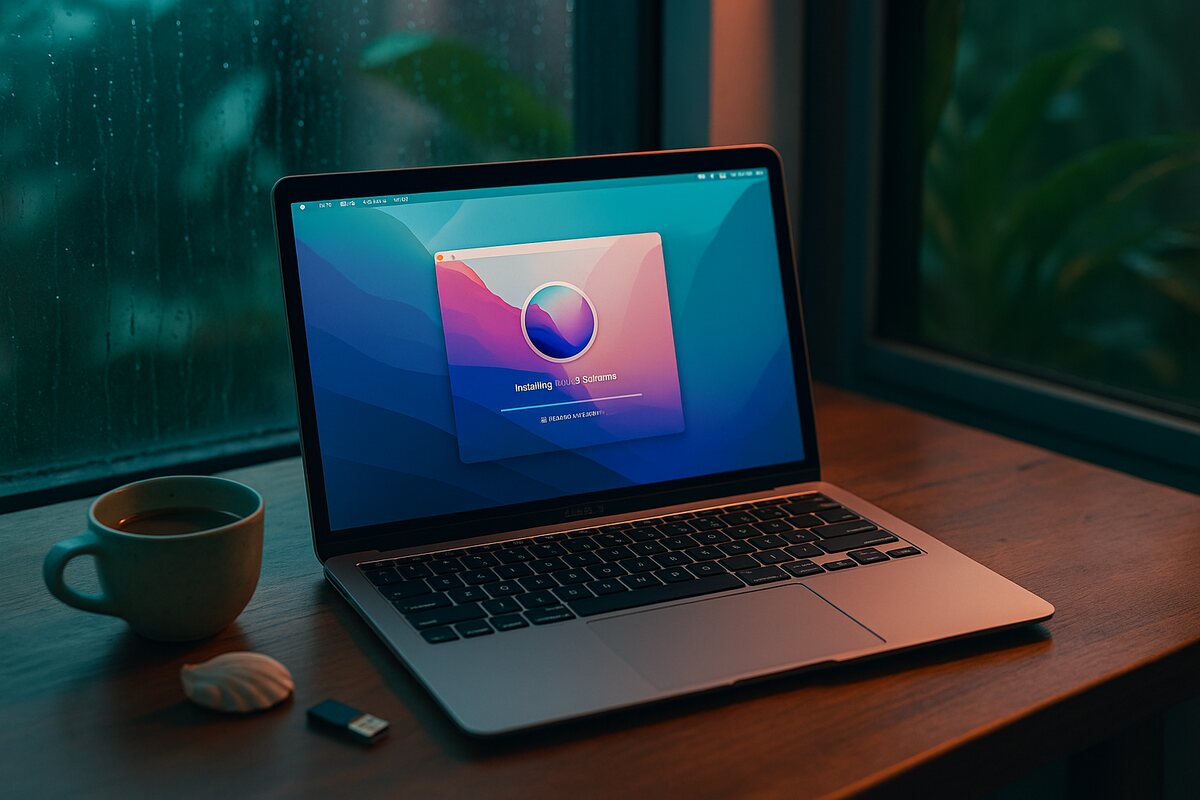
Why Learn to Build Your Own Server?
In today’s digital world, reliance on major cloud providers often means hefty monthly bills and a disconnection from your own data. If you stop paying, you risk losing access to the very files that shape your personal or professional life.
By teaching participants to set up servers using affordable, sustainable solutions like Ubuntu Server, OnlyOffice, and NextCloud, this class empowers you to:
- Take ownership of your data. Your files live on your hardware, in your home.
- Ensure availability, even in emergencies. No internet required to access what’s yours.
- Save money compared to traditional cloud services — no monthly fees, forever.
This is more than a technical tutorial — it’s a step toward digital sovereignty and a community-driven learning experience.
What You’ll Learn
The hands-on class covers everything from foundational knowledge to advanced server setups.
Hardware Preparation — Participants bring their pre-purchased hardware and charged laptops. Everyone starts on the same page, ready to build.
Server Installation — Installing and configuring Ubuntu Server. Setting up a virtual machine for redundancy. Connecting remote disks for secure data storage.
Essential Applications — Setting up OnlyOffice for document management. Installing NextCloud for secure, customizable cloud storage. Implementing WordPress for future website needs.
Advanced Configurations — Using CloudFlare tunneling for seamless server connectivity. Connecting DNS and managing port forwarding for external access. Ensuring data is stored externally for recovery and redundancy.
Collaborative Learning — The class utilizes Moodle for instruction, where participants access materials, join group discussions, and learn in real-time.
Course Format and Community
The class is more than a one-time event. It’s a collaborative journey:
- Pre-Class Collaboration: Participants join an online discussion group to familiarize themselves with the tools and connect with classmates.
- In-Person Learning: On the day of the class, we gather at Anini Beach for a hands-on setup, supported by snacks and a welcoming atmosphere.
- Ongoing Support: The community continues to grow as more members join, share insights, and support each other in their projects.
By the end of the course, participants walk away with functional servers and a network of like-minded individuals.
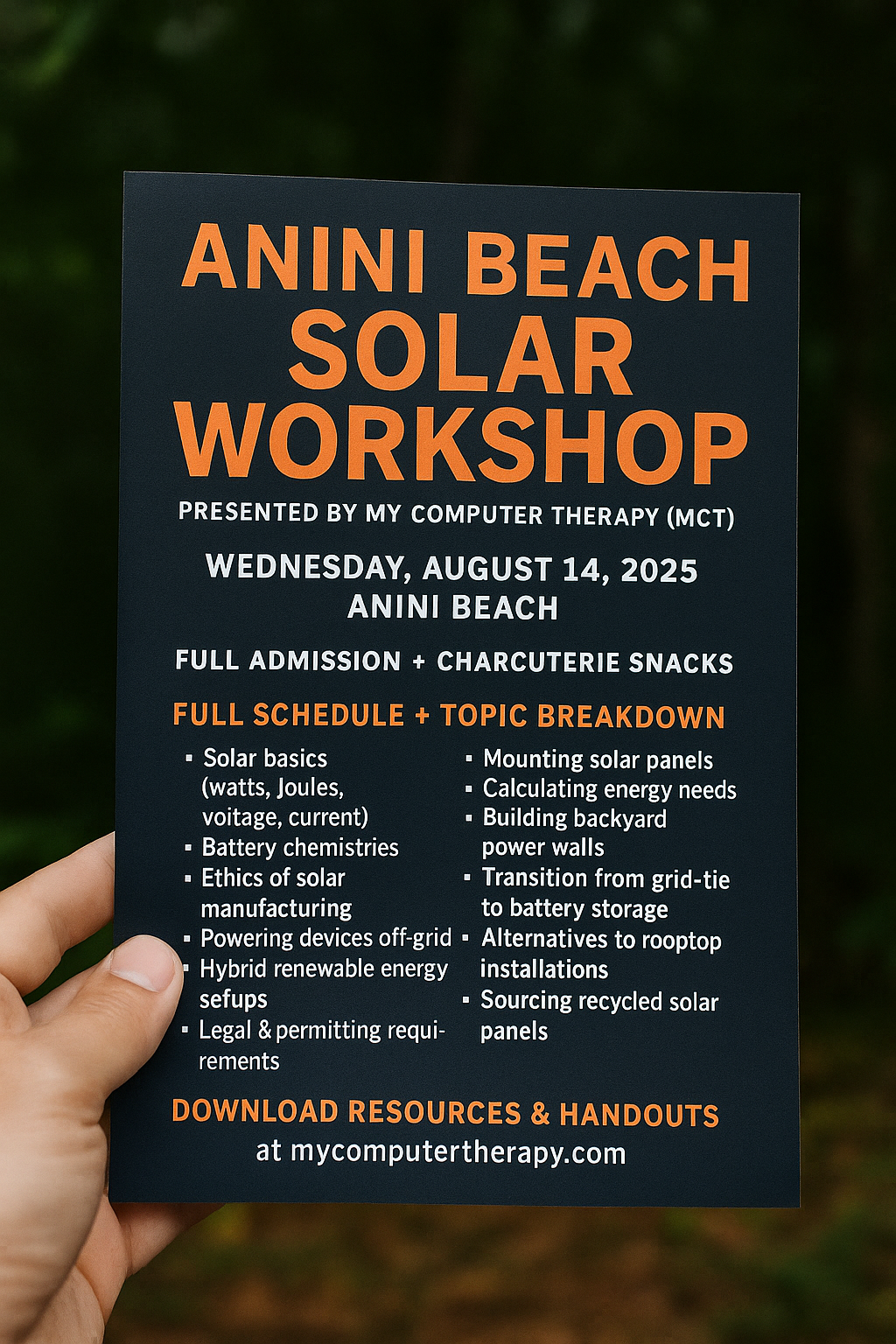
Details
- Location: Anini Beach, Kauaʻi, Hawaiʻi
- Internet: Powered by Starlink satellite system — fast and reliable
- Power: Bring your own charged laptops or power sources
- Duration: Flexible schedule, from four hours to a full weekend
Why This Matters
This class isn’t just about servers — it’s about creating a better, more tangible future where individuals and businesses take control of their digital presence. Technology, sustainability, and community — all in one place.
Ready to join? Visit systems.mycomputertherapy.com to learn more about advanced systems, or schedule a house call to talk about what’s right for your situation.